Financial Models & Pricing Calculators
Convert loan calculators, financial models, real estate underwriting spreadsheets, pricing tools, and quote generators into web applications your team can use consistently.
Convert Your Excel Calculator →Transform complex spreadsheets, financial models, calculators, and manual workflows into secure web applications your team can use together, with your business logic preserved and calculations thoroughly tested.
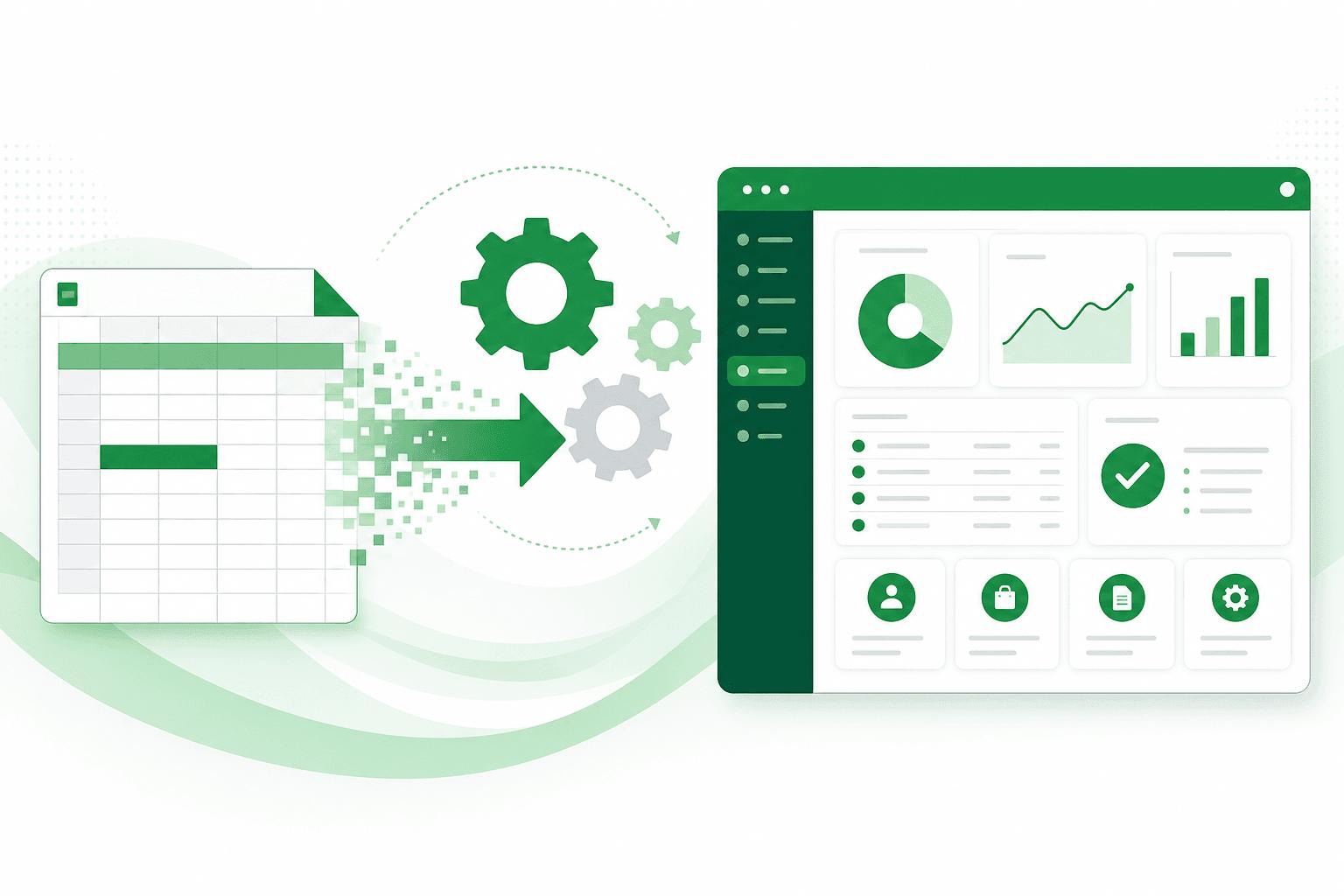
Excel is excellent for getting started. But when business-critical calculations, shared workflows, and sensitive data depend on spreadsheets, errors and manual processes become harder to control. We turn your existing spreadsheet logic into a secure, maintainable web application.
Get Your Spreadsheet Analyzed for Free →An overwritten formula or misplaced row can distort calculations and lead to costly business decisions.
Sensitive pricing, financial models, and client data can be difficult to protect when files are shared across teams.
Multiple copies, manual updates, and disconnected workflows make it harder to maintain consistent records and trace changes.
From complex Excel calculators to operational trackers and VBA macros, we turn spreadsheet-based processes into secure, multi-user web applications built around the way your business works.
Convert loan calculators, financial models, real estate underwriting spreadsheets, pricing tools, and quote generators into web applications your team can use consistently.
Convert Your Excel Calculator →Replace shared spreadsheets used for project tracking, vendor management, order processing, and client records with centralized web applications and controlled team access.
Convert Your Excel Tracker →Modernize desktop spreadsheets that depend on VBA macros, manual steps, or a single user's computer into maintainable web-based workflows.
Modernize Your Excel Workflow →When spreadsheets become central to your business, a custom web application can make workflows easier to manage, data more consistent, and collaboration more reliable, while preserving the business logic you already depend on.
| Dimension | Desktop Spreadsheet (Excel) | Custom Web Application |
|---|---|---|
| Protecting Business Logic | Formulas and calculation logic may be visible to people who access the workbook. | Keep sensitive calculations on the server and control what each user can access. |
| Team Collaboration | Shared copies, editing conflicts, and manual updates can create inconsistencies. | Give authorized users a shared application with centralized data. |
| Tracking Changes | Tracking changes across files and workflows can require manual effort or additional tools. | Record important changes with user details and timestamps where required. |
| Data Accuracy | Incorrect inputs or overwritten formulas can affect results. | Apply input validation and business rules consistently across users. |
| Excel Compatibility | Calculations and workflows operate within the workbook and its available tools. | Import or export Excel data where appropriate, while managing workflows centrally. |
Get your spreadsheet analyzed to explore whether converting it into a web application makes sense for your business.
Get Your Spreadsheet Analyzed for Free →A structured conversion process that preserves your business rules, validates calculations, and helps your team move to a web application with confidence.
We review your workbook, formulas, business rules, and workflows to understand how your existing process works.
We create an early working prototype so you can review the workflow, test inputs, and refine requirements before full development.
We convert your calculations and workflows into a web application, then test key results against your original spreadsheet.
We deploy your application, provide documentation and a handover, and help your team get started.
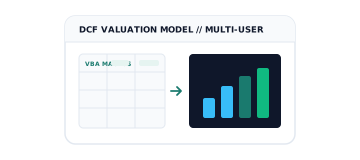
Transformed a complex Excel valuation model with extensive VBA macros, scenarios, and calculations into a centralized web application.
Read →Converted an Excel-based DC power calculation workflow into a browser-based tool with centralized calculation records and controlled access to proprietary logic.
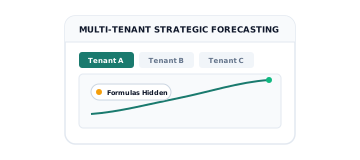
Read →Converted an Excel strategic forecasting model into a multi-tenant web application so users can access and share the model without exposing internal logic.
Read →